Hold on!
Before launching the Sketchbook app,
please activate the fonts you want to use in the Bakey Mobile app first.
If you need help solving a problem, please check the FAQ.
1️⃣ Installing Fonts
Install the desired fonts in the Bakey app.
2️⃣ Install and Launch Sketchbook
Install the Sketchbook app on your iPhone and launch it.
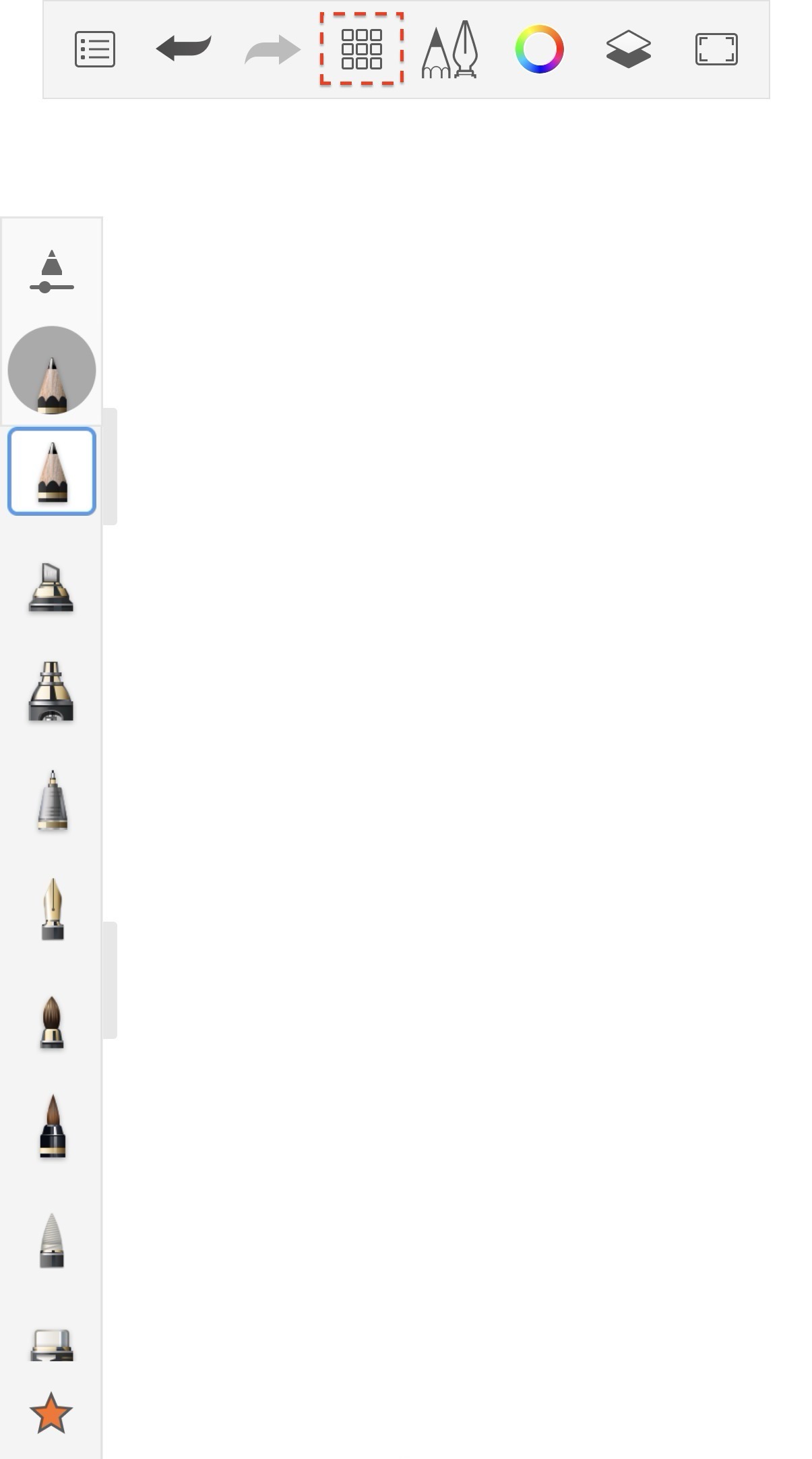
3️⃣ Select the Menu
Select the menu highlighted in red.
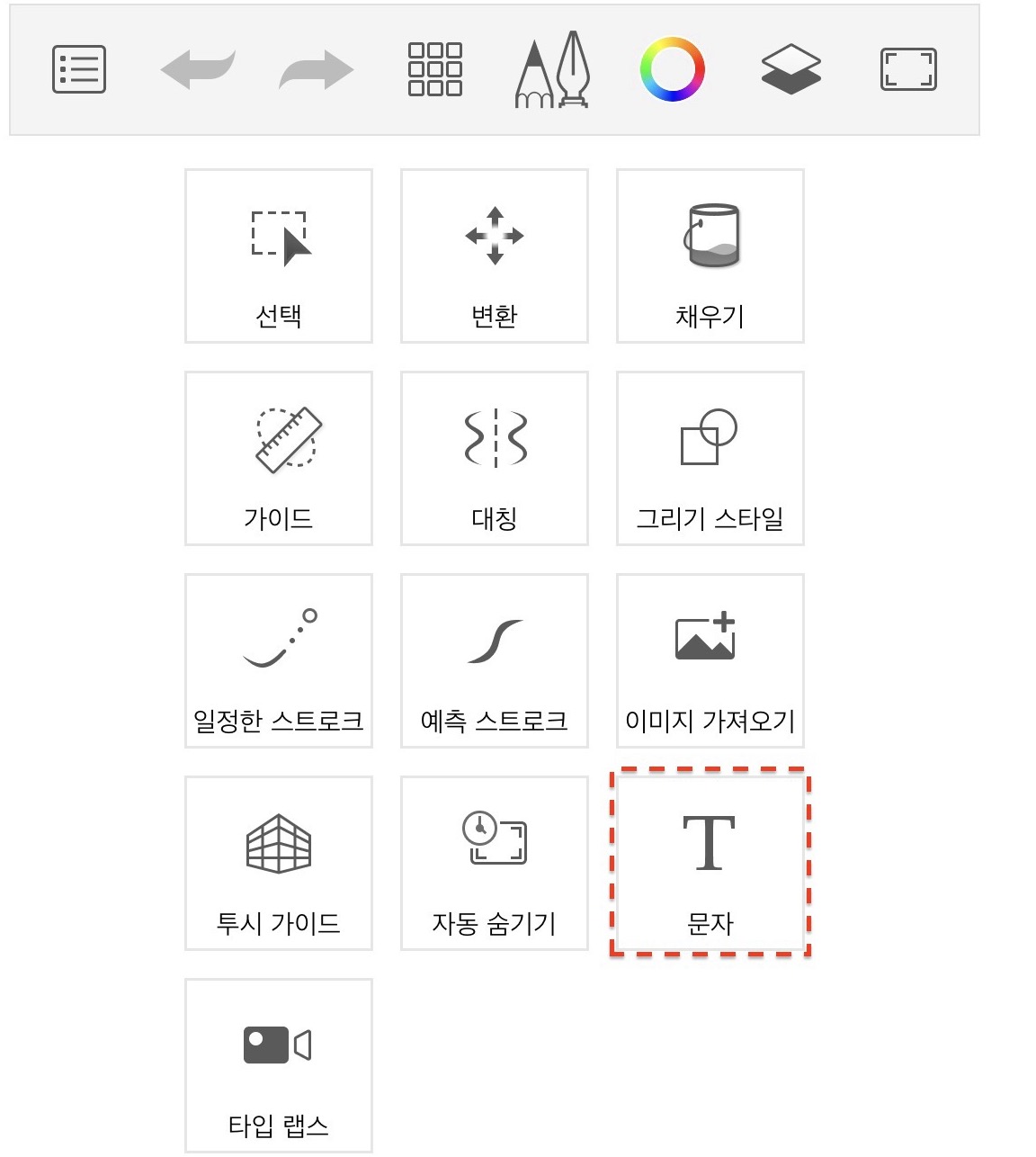
4️⃣ Select the Text Menu
Select the Text menu.
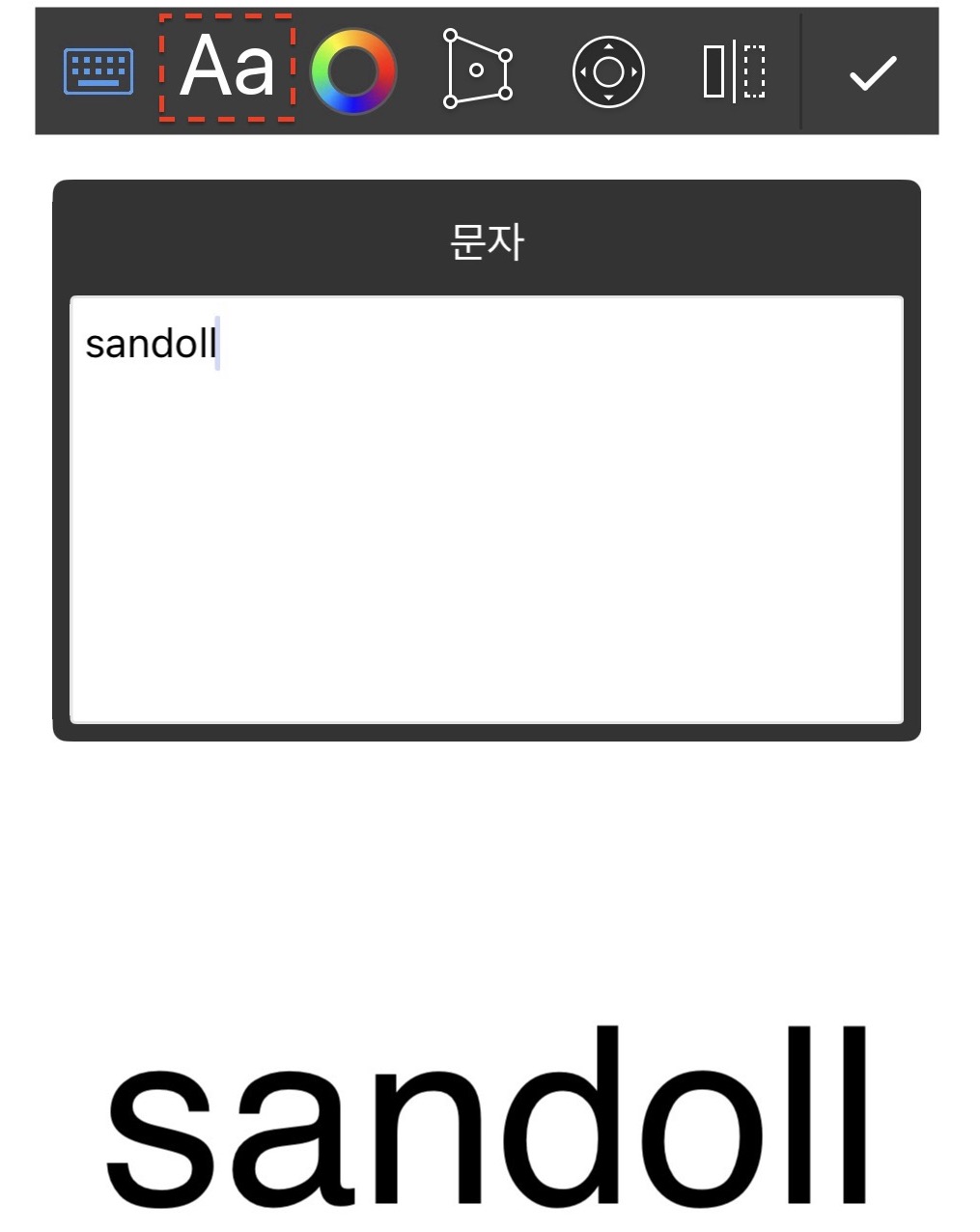
5️⃣ Select the Text Input and Font Selection button
Enter your desired text in the text input field and select the Font menu at the top.
6️⃣ Applying Fonts - 1
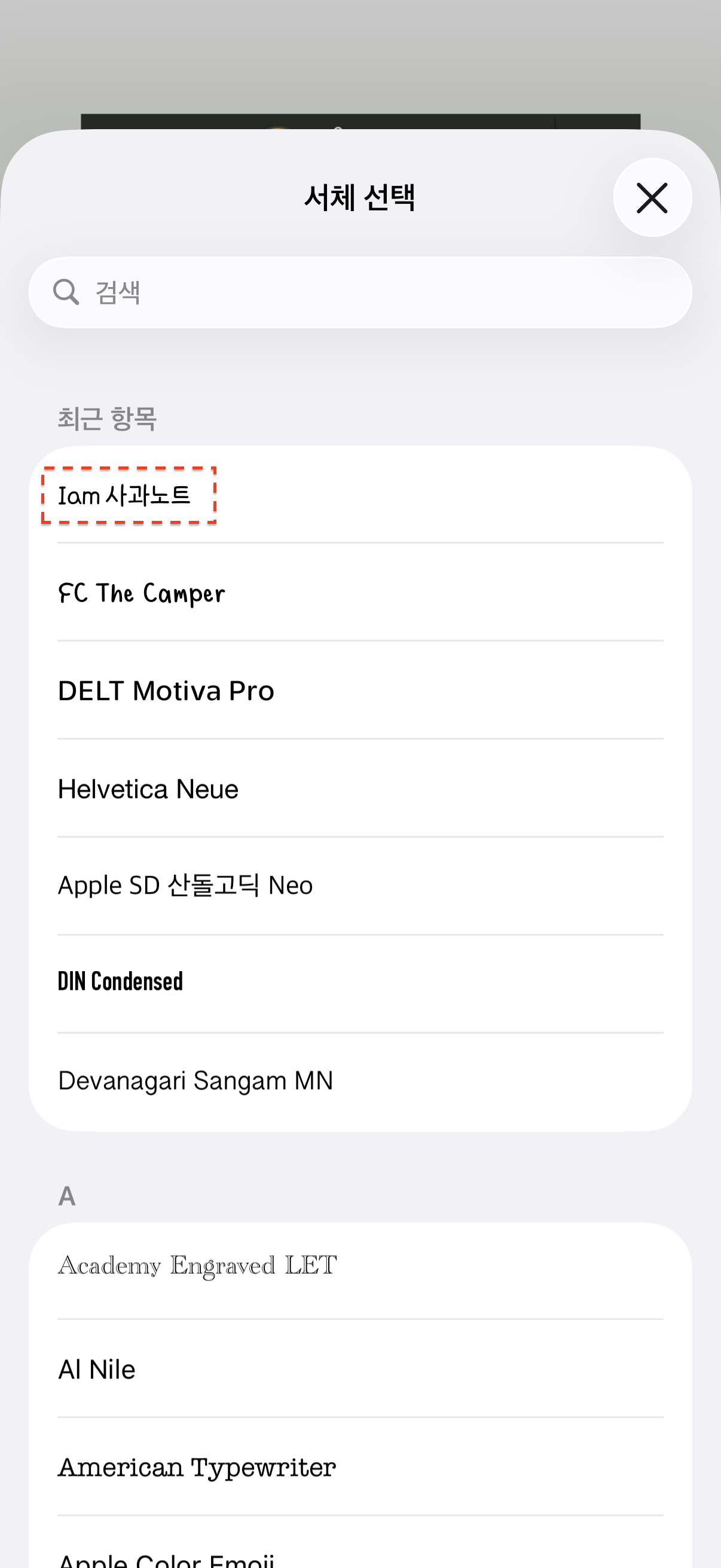
When the font selection window appears, select the "+" button.
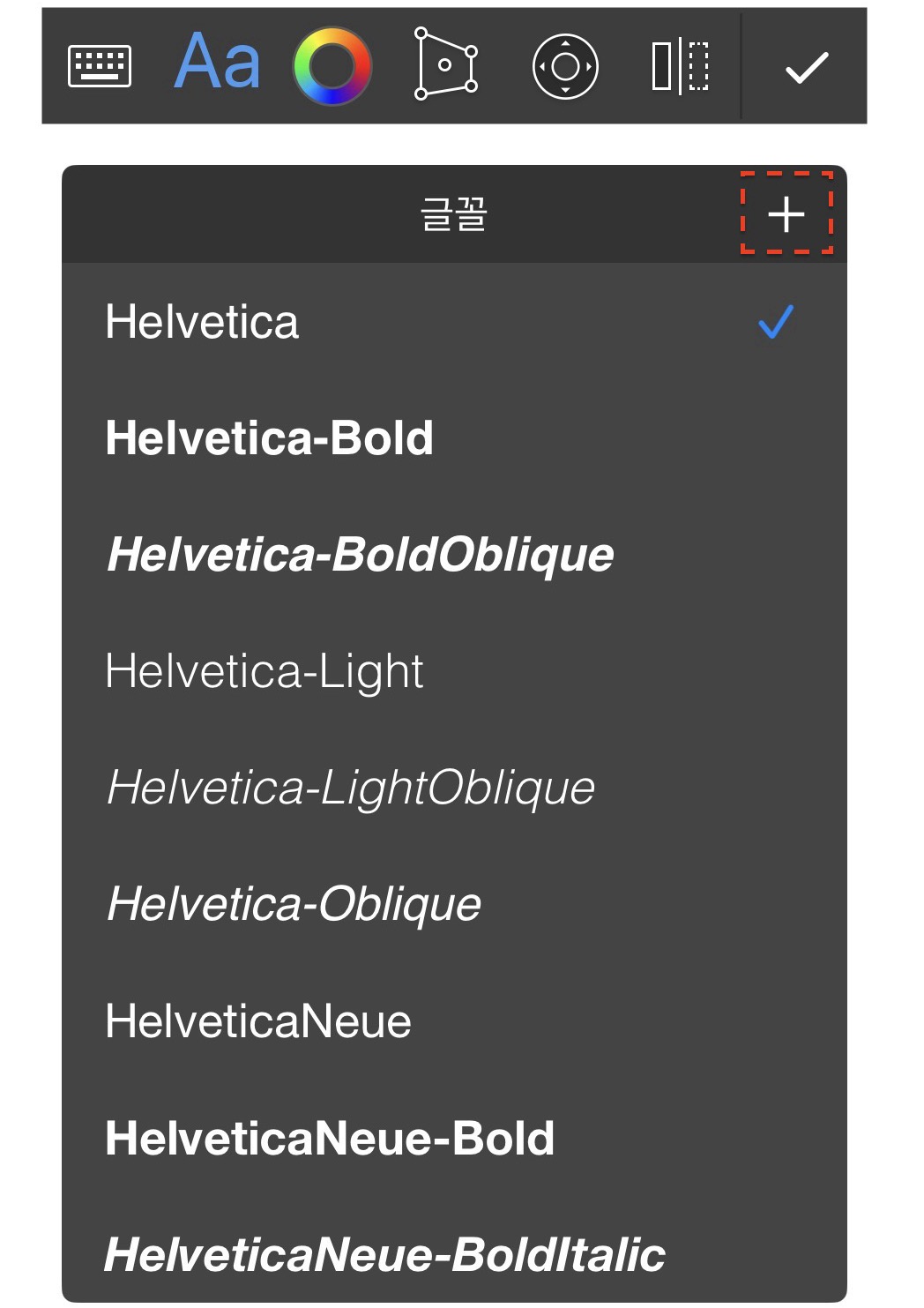
7️⃣ Applying Fonts - 2
Now, you can select all the fonts installed in Bakey. Please select your desired font.
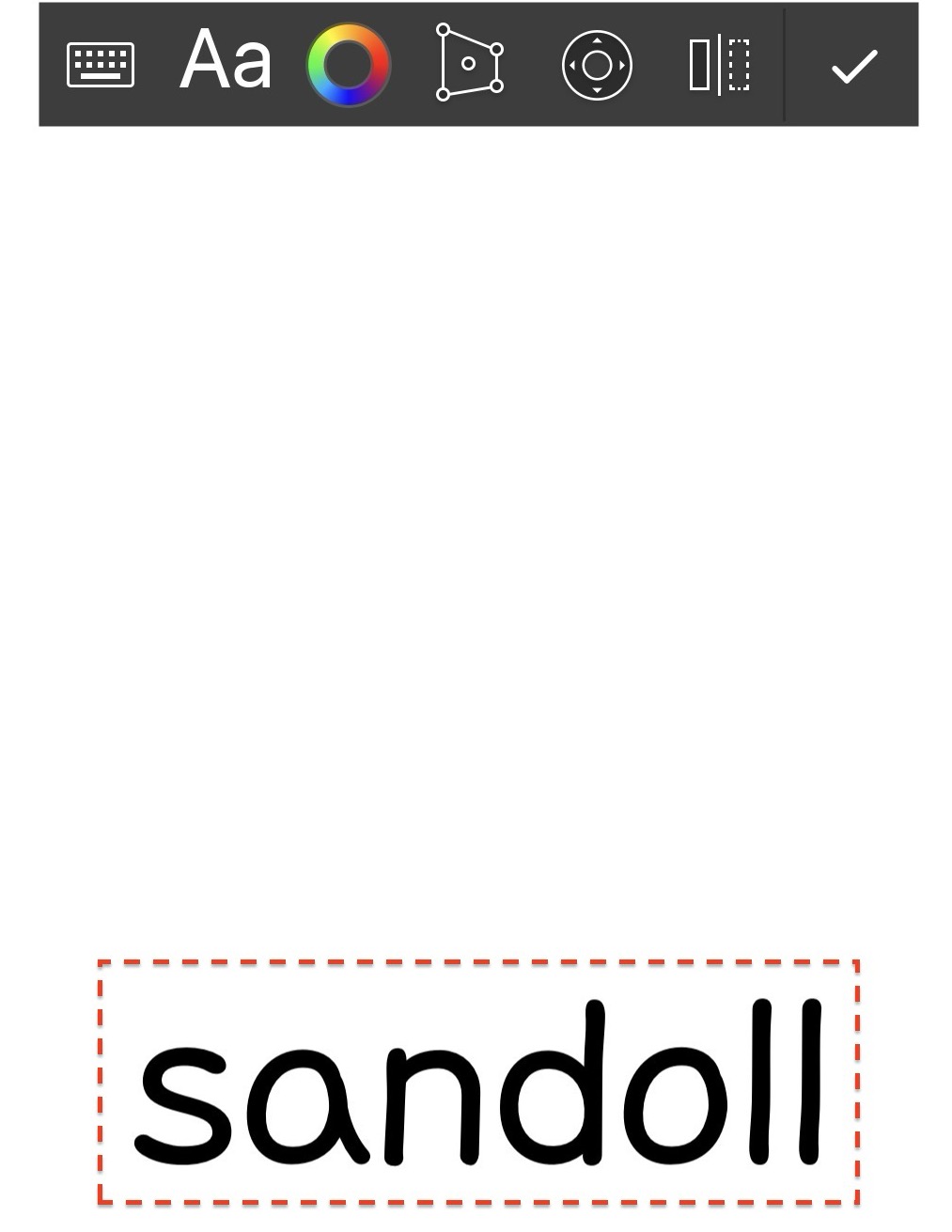
8️⃣ Check the applied font
Go back and check that the selected font has been applied properly.
9️⃣ Now, enrich your content with various fonts!