If you need help solving a problem, please check the FAQ.
1️⃣ Installing Fonts
Install the desired font from the Bakey app.
2️⃣ Install and Launch Day One Journal
Install and launch the Day One Journal app on your iPhone.
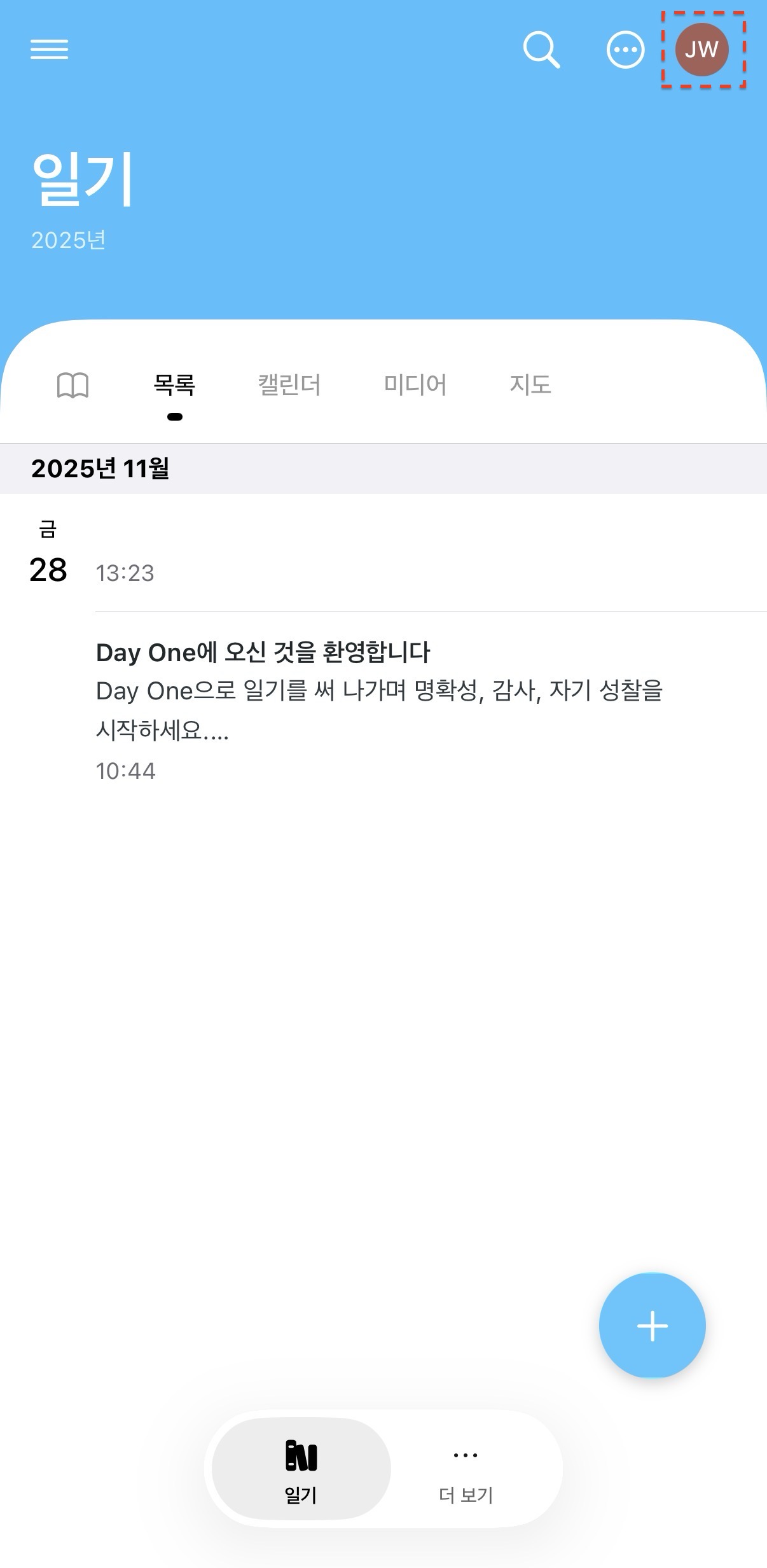
3️⃣ Select a Profile Image
Select your profile image in the upper right corner.
4️⃣ Select the [Appearance] menu
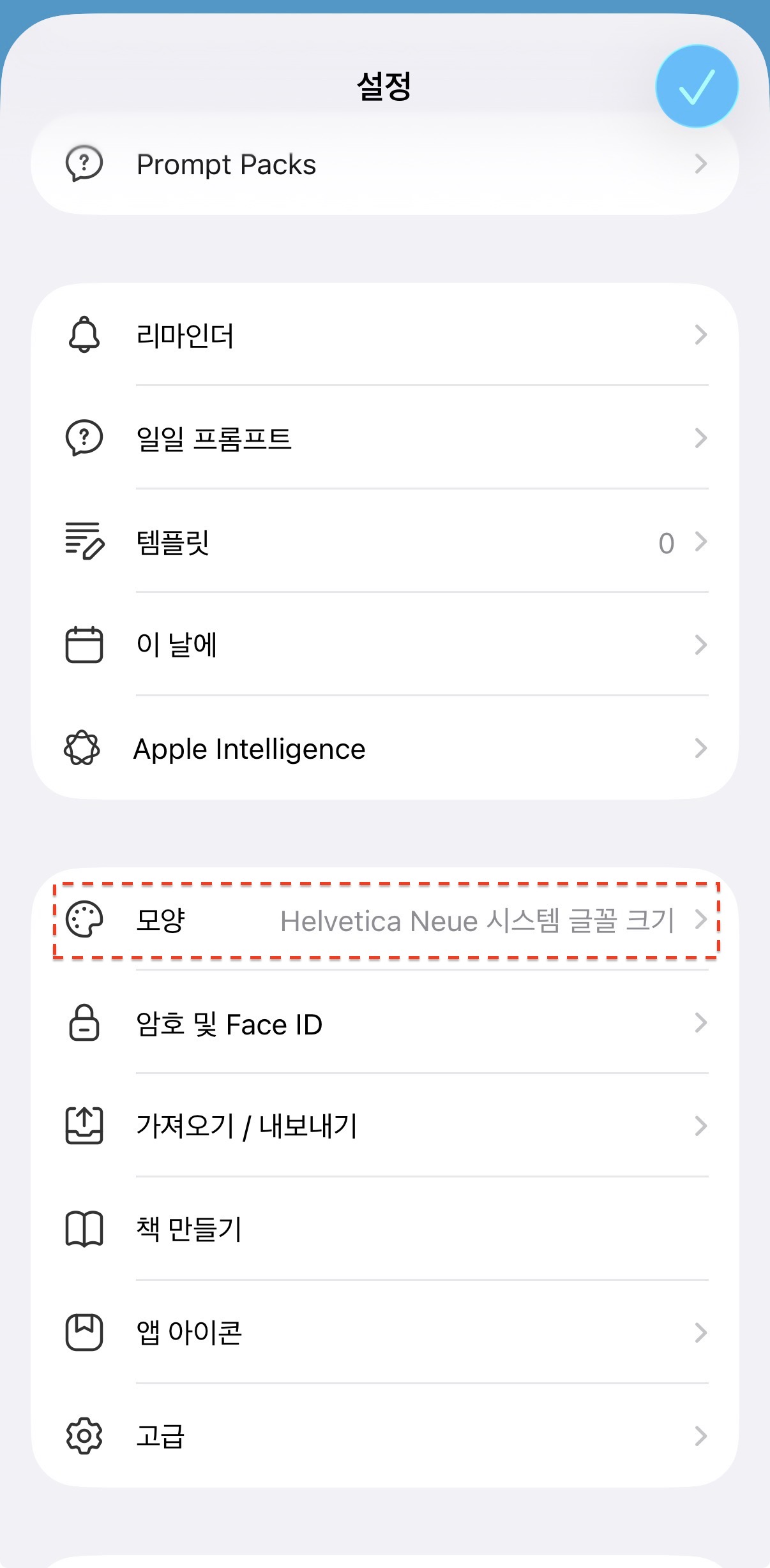
When the [Settings] screen appears, scroll down and select the [Appearance] menu.
5️⃣ Select the [Font] menu
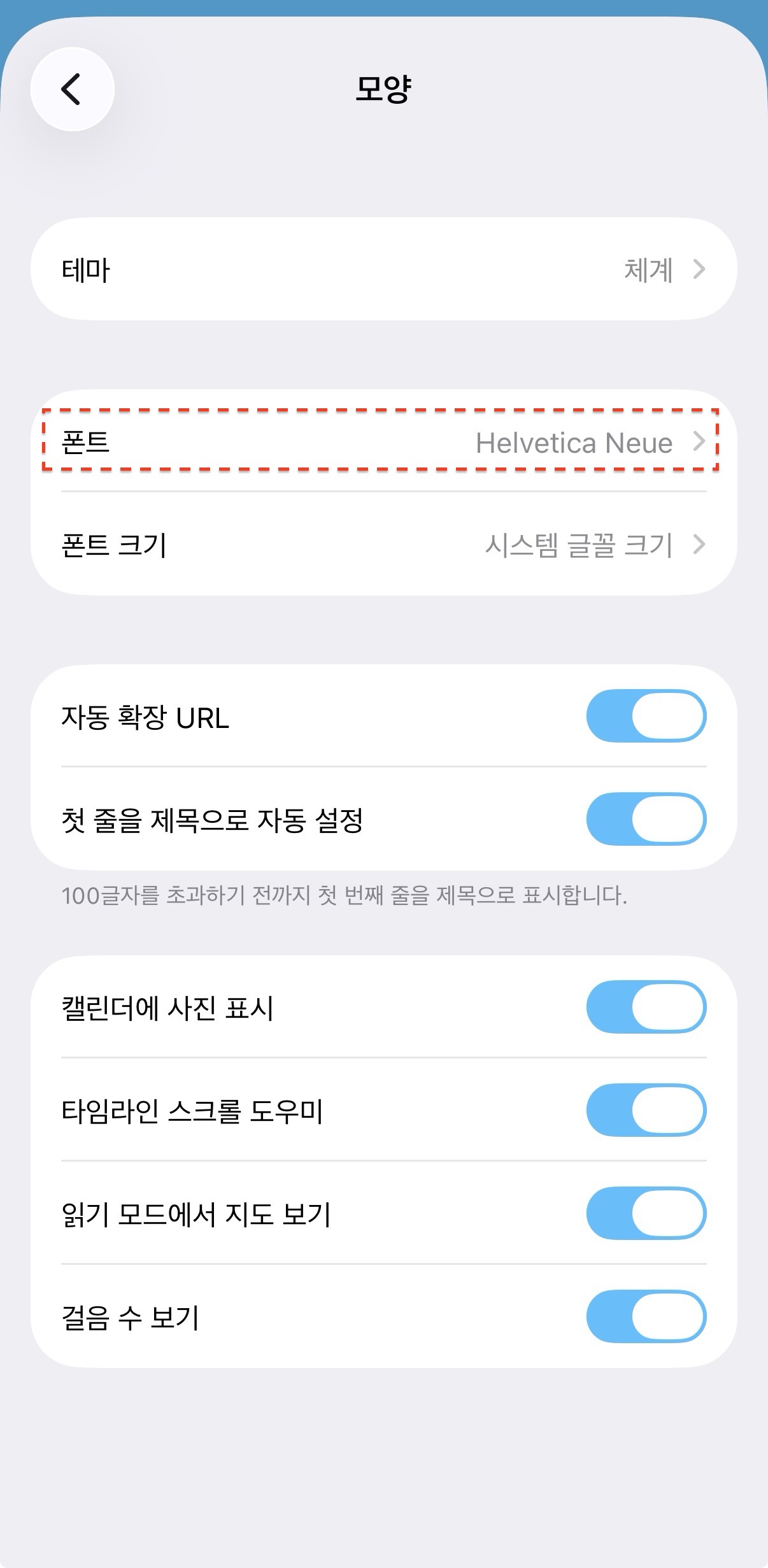
Select the [Font] menu.
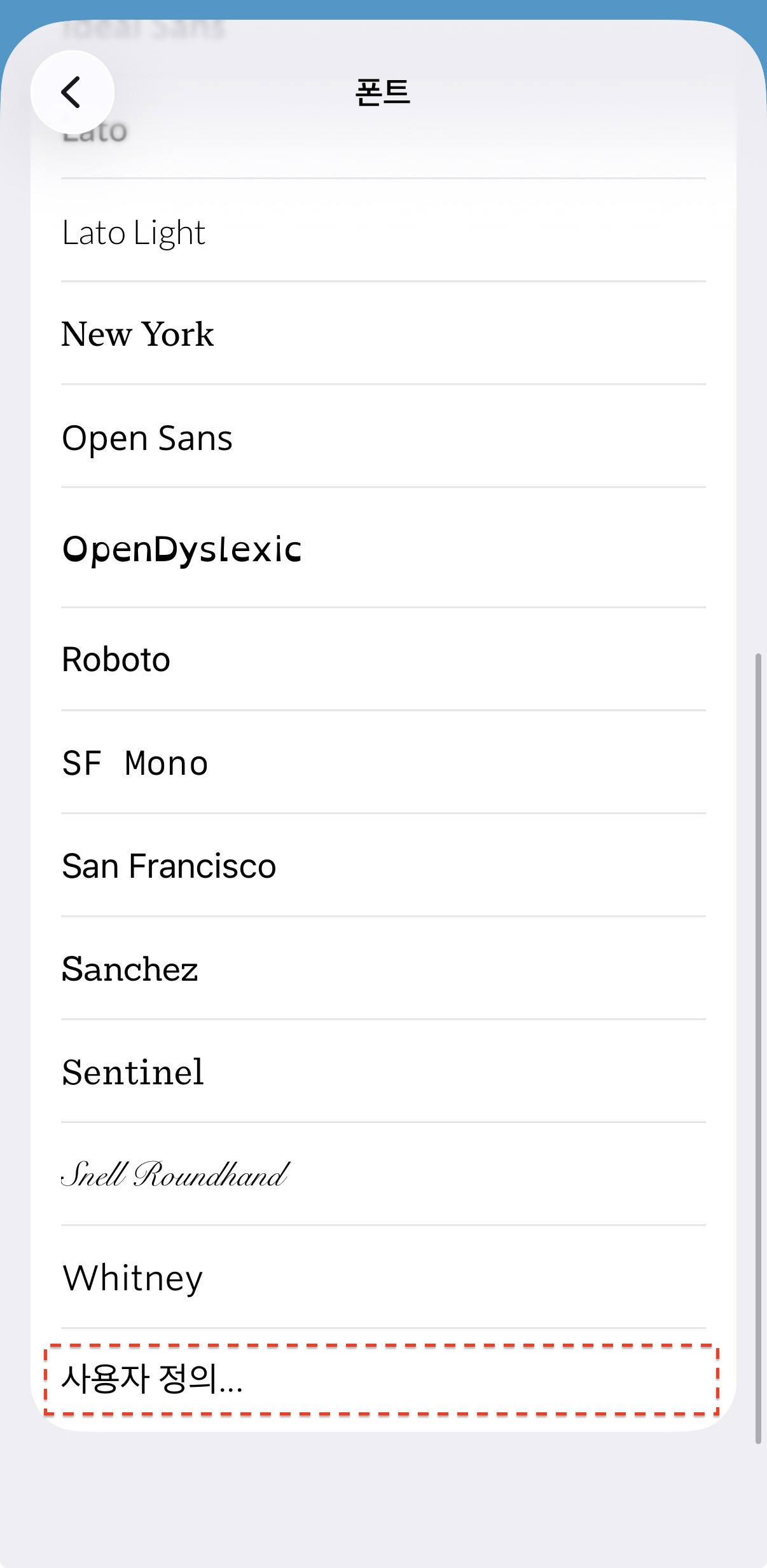
6️⃣ Select [Custom]
Select [Custom] at the bottom of the font list.
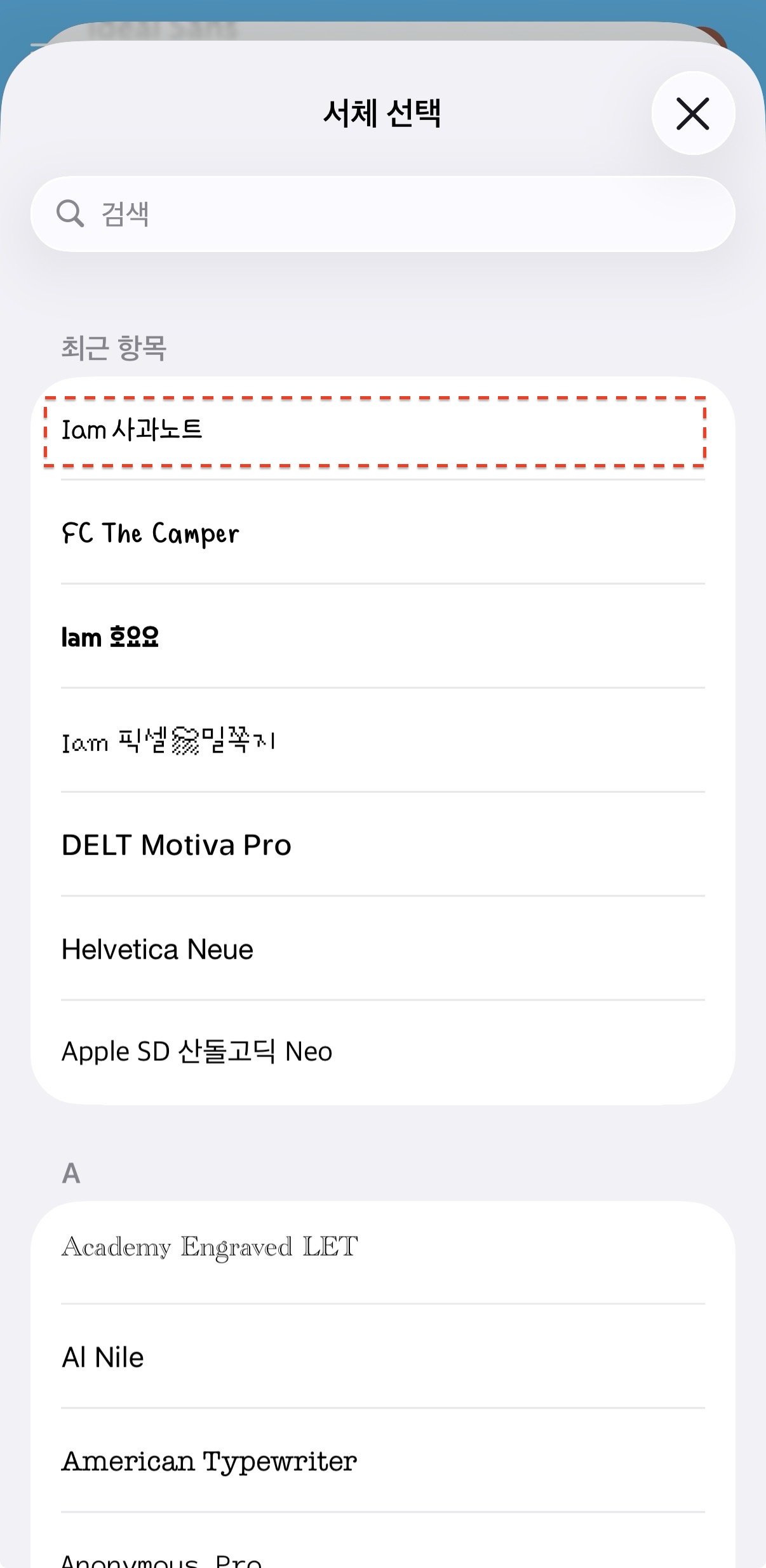
7️⃣ Select the Font to Use
Select the font you want to use, installed from Bakey.
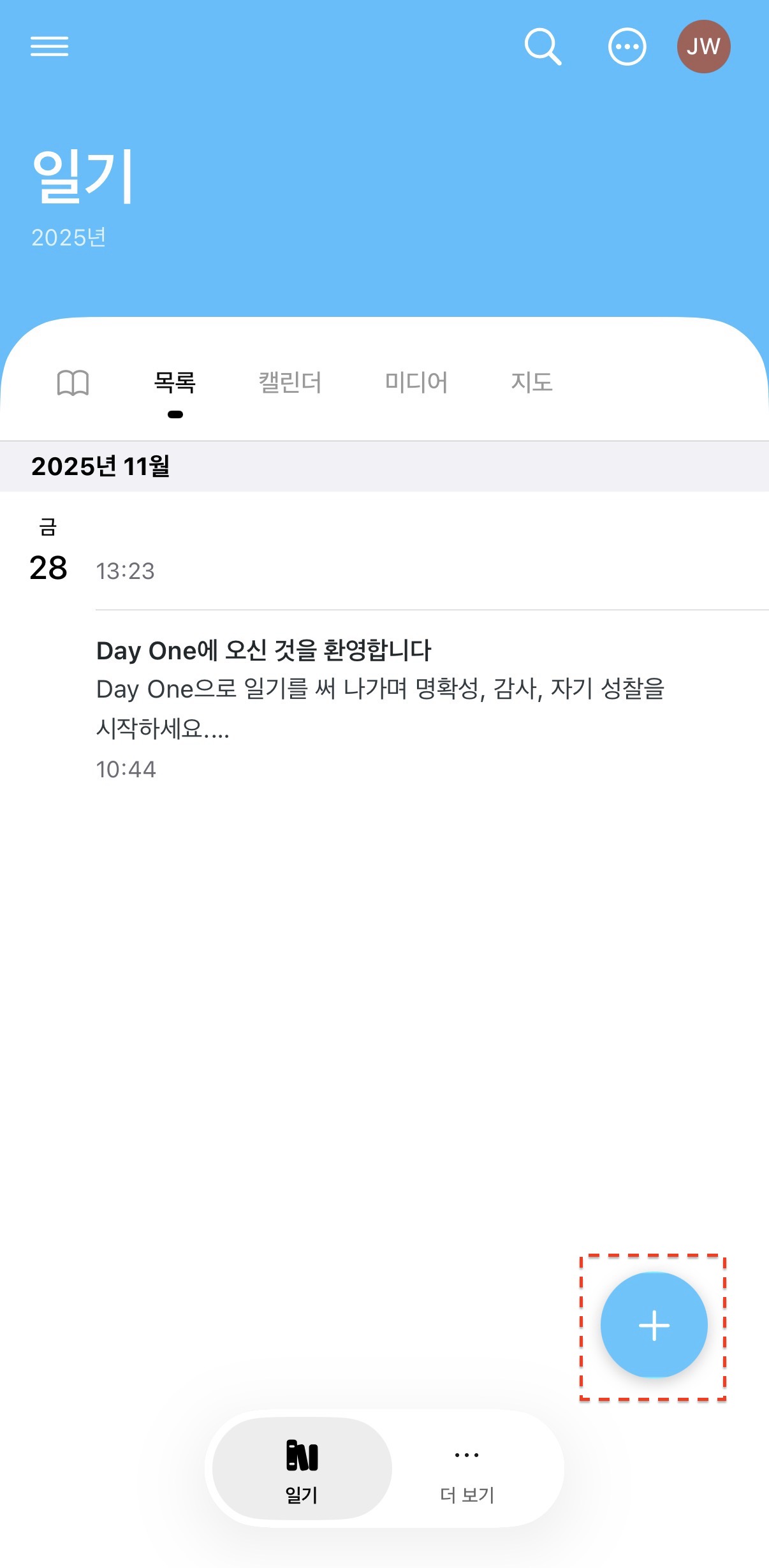
8️⃣ Create Content
Return to the top and click the [+] button to create new content.
9️⃣ Create Content
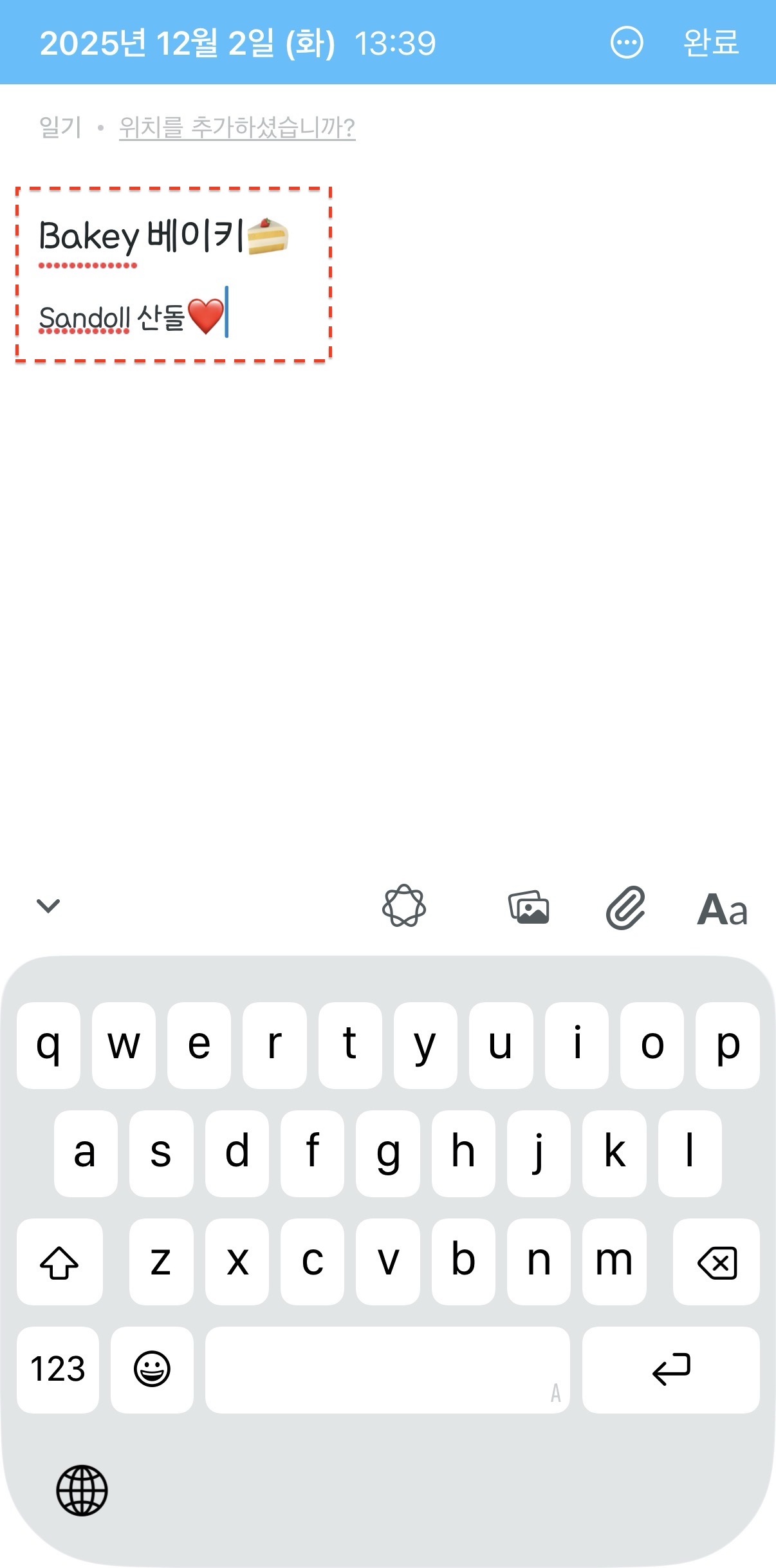
Enter your text. You'll see it appear in your selected font.
Now, enrich your content with a variety of fonts!